Your restaurant’s own ordering app under your brand.
Sufraly gives your restaurant its own ordering website and app, on Google Play and the App Store, with your logo, your menu and your colours. Delivery, pickup and dine-in, a kitchen screen, printers, riders with live tracking, rewards and card payments. All in one system, set up with you.
- Arabic and English
- Card and cash
- Set up with you, step by step
This is what your customers get
Not a template. A fast, modern app that feels like the big delivery apps, but it’s yours. Forno is a demo pizzeria: try it, nothing gets baked.
- A home that sells: best sellers, order again, rewards
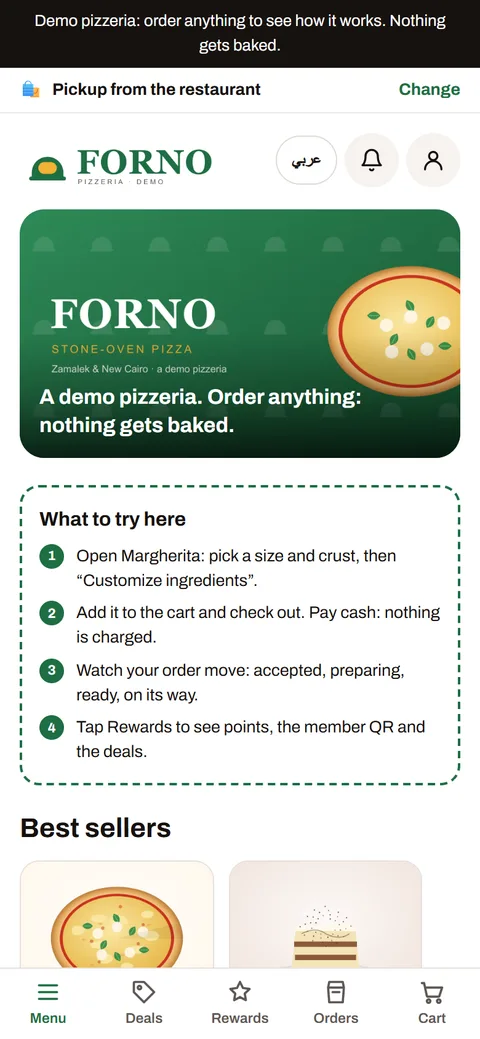
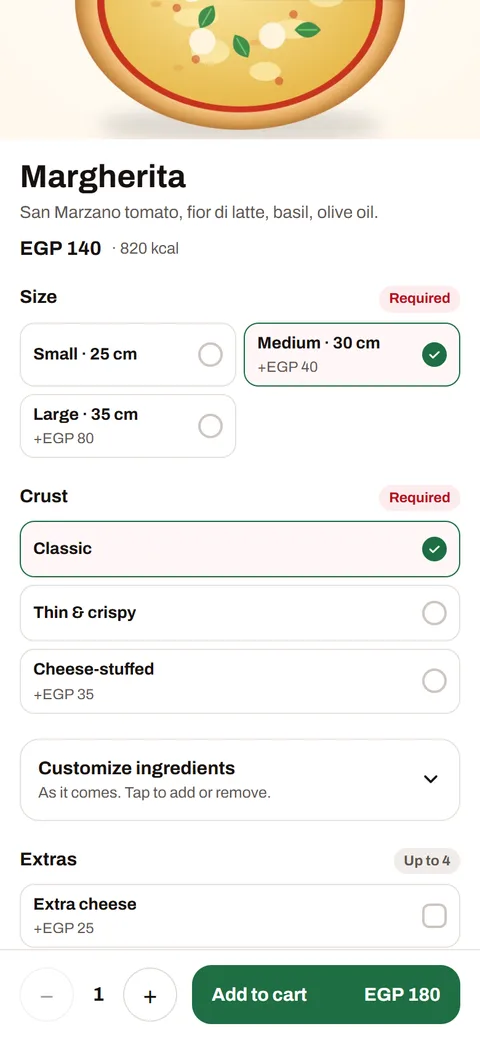
- Choices made easy: sizes, crusts, extras, combos
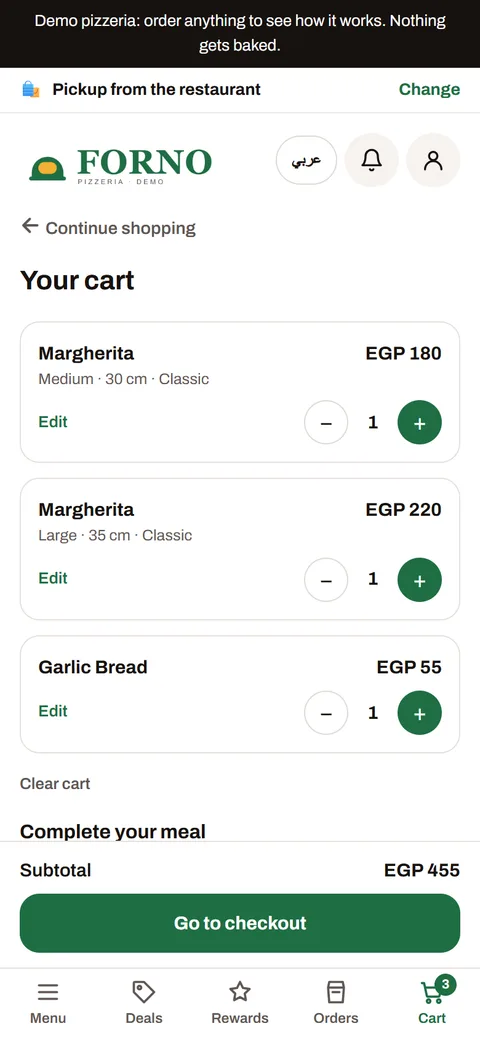
- Checkout in seconds: cash, card or wallet
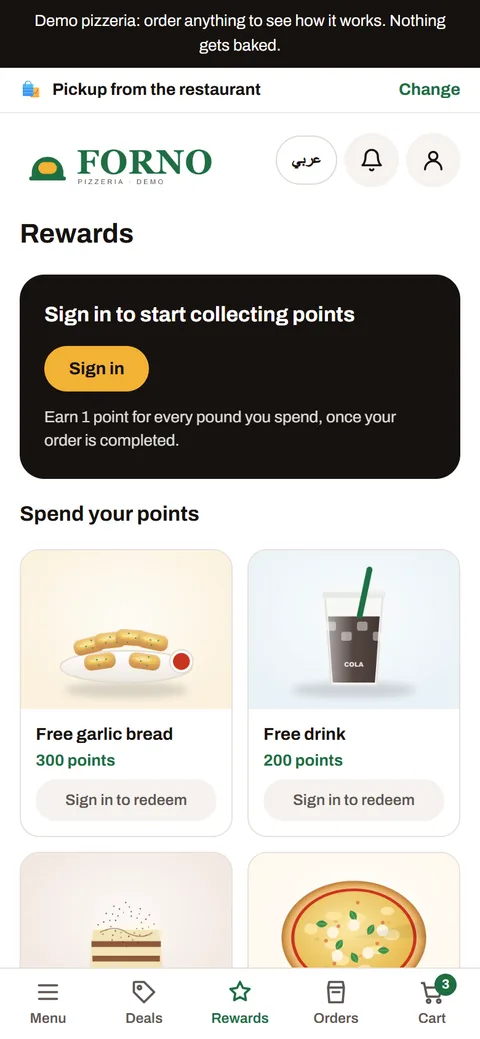
- Points and rewards built in
- Arabic and English, switched in one tap
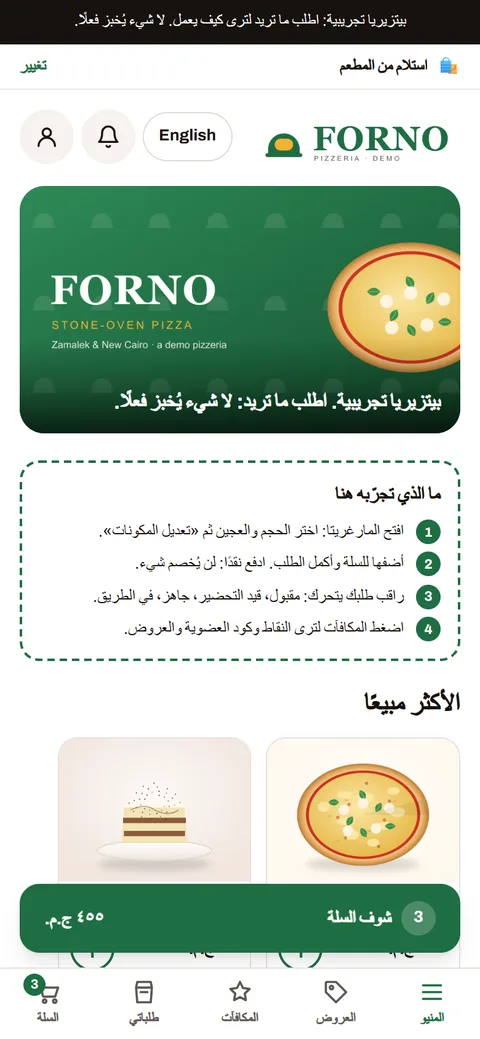
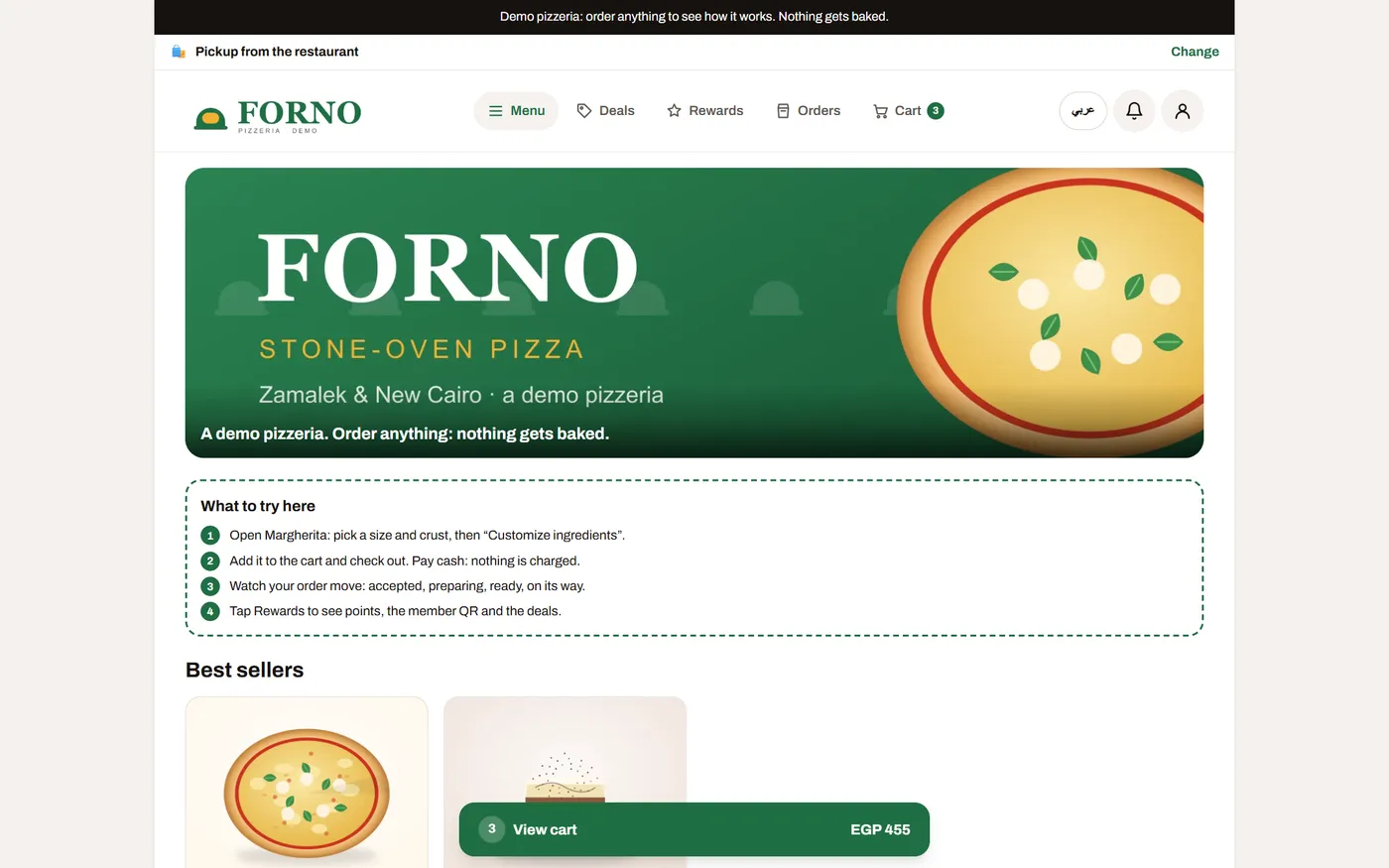
Open Forno, the demo pizzeria, and place an order yourself →
Orders come through your own website and app, not a listing among hundreds. Card payments carry only the card provider’s fee.
Names, numbers, favourites and order history belong to your restaurant, so you can bring people back with rewards and offers.
Arabic and English on every screen, right to left where it should be. Your logo, colours and fonts everywhere.
Everything a restaurant needs, working together
From the first tap on the menu to the rider at the door, every step is connected, so nothing gets lost between the phone, the kitchen and the road.
- Your branded store
A fast menu with photos, choices and add-ons, search, allergies and your own style.
- Delivery areas & dispatch
Choose the areas you serve and their fees. Riders are assigned automatically.
- Kitchen screen
Tickets with every change, a loud ring for new orders, and a packing step.
- Rider app & tracking
Riders see their trips, customers follow them on the map until the door.
- Rewards that bring people back
Points, rewards, birthday treats, deals and the customer's usual in one tap.
- Card payments & wallet
Card payments through a licensed payment provider, cash, and a wallet for refunds that customers can send back to their card.
- Recipes & stock
Recipes with costs and margins, and stock that goes down with every order.
- Reports & daily summary
Sales, best sellers, busy hours, complaints and a summary of every day.
- Arabic & English
Every screen in both languages, right to left where it should be.
- On Telegram & phones
Open your store inside Telegram, add it to the home screen, and get order notifications.
Behind the counter
Your team gets the tools too, so orders never get lost between the phone, the kitchen and the road.
- 1Orders ring in the kitchen
A loud alert for every new order, and a warning when one is running late, like the big apps.
- 2Tickets print by themselves
Kitchen tickets and receipts on supported receipt printers: ESC/POS printers on your Wi-Fi through the Sufraly Print app, or ePOS-Print printers straight from the browser. Your own receipt wording.
- 3Delivery zones and riders
Draw your zones on the map with their fees. Riders get their trips; customers watch them arrive.
- 4Reports every day
Sales, best sellers, busy hours, payments and cash, plus a summary of every day.
Up and running in three steps
- 1Tell us about your restaurant
Fill in the short form below. We call you, understand your menu, branches and delivery areas.
- 2We set it up with you
Your menu, photos, prices and look go in. Import from a spreadsheet, or add photos in bulk.
- 3Start taking orders
Share your link, put the QR code on your counter and Instagram, and orders start ringing in the kitchen.
Try Sufraly with your own menu
Tell us a little about your place. We'll get in touch to set up your trial store and show you around.
- Your own store with your logo and menu
- Kitchen screen, rider app and console included
- Help moving your menu in
- No card needed to start
Questions restaurants ask
Do I need a website already?
No. Sufraly gives you your own store address, and you can use your own domain too, like order.yourrestaurant.com.
Can customers pay by card?
Yes. Card payments go through a licensed payment provider in your country, along with cash on delivery or pickup. Refunds can go to the customer’s wallet or back to their card.
Can I keep using delivery apps?
Yes. Many restaurants keep them and use Sufraly for their own customers, so regulars order from you directly.
How do I add my menu?
Type it in, import it from a spreadsheet, and add photos in bulk. We help you during the trial.
Does it work in Arabic?
Yes. Customers, staff and riders can use every screen in Arabic or English.
Can I run more than one brand or branch?
Yes. Each brand has its own store, look and menu, and each branch its own hours, delivery areas and kitchen screen.